Type a Bluetooth address.
Hunt it down.
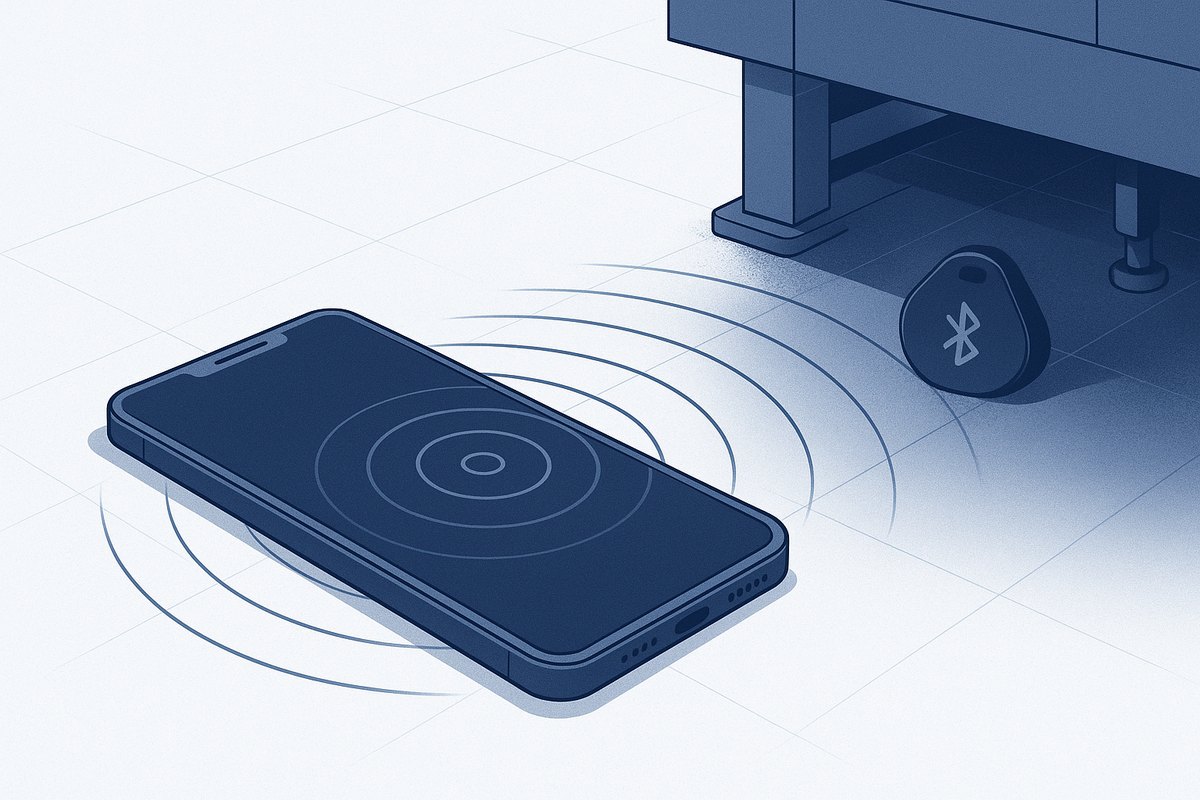
FINDMY scans for one device as hard as the phone will allow — screen off, in your pocket. The moment it hears it, the phone vibrates and chimes, and it does not stop until you press FOUND IT.
How it works
Three things, done properly.
1Aggressive scanning
Low-latency LE scan in aggressive match mode, restarted on a 10-second cycle so Android never quietly downgrades it — plus optional classic Bluetooth inquiry for speakers and headsets.
2It keeps running
A foreground service and a wake lock keep the hunt alive with the screen off and the phone in a pocket. Give it a full address and Android keeps delivering results even while locked.
3One tap on what you own
Everything the phone has ever paired with is listed on the main screen. Tap a headset, a speaker, a tag — the hunt starts on that address immediately, with classic inquiry switched on automatically for devices that need it.
4It will not shut up
First sighting latches the alarm: full-volume alarm chime plus a repeating vibration, a lock-screen alert, and live signal strength so you can walk it in. Only FOUND IT stops it.
Using it
Enter what you know. The address is the strong version.
| You type | What FINDMY does |
|---|---|
AA:BB:CC:DD:EE:FF |
Best. A hardware-filtered scan, which is the only kind Android keeps delivering while the screen is off. Exact match. |
DD:EE:FF |
Partial. Matched against the end of every address heard. Works, but only with the app open, and a very short partial can match more than one device. |
Flip 5 |
Name fragment, case-insensitive. Handy when the label is gone. App must stay open. |
1805 or a full UUID |
Advertised service UUID. Finds a class of device rather than one unit. |
Previously connected — the main screen lists every device this phone has paired with. One tap starts the hunt on it; no typing, and a paired device's address is its permanent identity address, so it never rotates.
Never paired with it? PICK FROM NEARBY sweeps for 12 seconds and lists everything it hears, strongest first — tap one to load its address.
Install
Sideload. There is no store listing and no account.
- Download the APK on the phone itself — findmy-1.0.1.apk.
- Open it. Android will ask permission for your browser to install unknown apps; allow it, then tap Install.
- Grant "Nearby devices" when the app asks. On Android 12 and newer that is the only
permission scanning needs — FINDMY declares
neverForLocation, so it never asks for your location and does not need Location switched on. On Android 11 and older, Google's own rules mean Bluetooth scanning requires the location permission, so it asks for that instead. - Allow notifications — the alert that fires when your device is found is a notification, and the ongoing one is what keeps scanning alive in the background.
- Exempt it from battery optimisation (the app offers a shortcut while hunting). Without it, Android will eventually throttle a long hunt.
Honest limits
Things worth knowing before you go looking for something.
Privacy addresses rotate. Phones, watches, AirTags and most modern trackers advertise a random address that changes every ~15 minutes. An address you wrote down yesterday will not match today. FINDMY is at its best on a device with a fixed public address — a beacon, a tag in fixed mode, a speaker, a headset, an ESP32 — or when you scan for a name.
Range is roughly 10–30 m indoors, less through concrete, steel and water. Nothing hears a device that has a dead battery.
Distance is an estimate, not a measurement. The metres figure is derived from signal strength and is easily off by a factor of two. Trust the direction the bar moves as you walk, not the number.
What it does not do
Deliberately.
No account, no server
Everything happens on the phone. Nothing is uploaded, and the app has no network permission at all.
No location
It never asks for or derives your position on modern Android. It compares an address to what it hears.
No tracking anyone
It finds a device you already know the address of. It is a metal detector for your own gear.